
Free · No sign-up
Learn SAP Cloud Integration (CPI), free
SAP Cloud Integration is the integration capability of SAP Integration Suite. 15 video modules take you from your first iFlow to monitoring, mappings, adapters, error handling and testing. Watch in any order. There is nothing to sign up for.
SAP Cloud Integration, part of SAP Integration Suite
What it is
SAP Cloud Integration, also known as CPI (formerly SAP Cloud Platform Integration), is where you build, run and monitor integration flows between SAP and non-SAP systems. It is one of the capabilities of SAP Integration Suite, alongside API Management, Open Connectors, Integration Advisor, Trading Partner Management and Migration Assessment.
Who it is for
SAP integration consultants and developers, and teams working on S/4HANA projects or on the move from SAP PI/PO to SAP Integration Suite. These are the areas Figaf's customers work in every day. Why learn SAP Integration Suite
What you will learn
Building and testing iFlows, mappings and scripts, connecting systems with adapters and the Cloud Connector, handling errors, and running Cloud Integration on SAP Process Orchestration.
Course modules
Each module is one video. Start at the top, or jump to what you need.
 16 min
Introduction
Why SAP Cloud Integration is valuable and what its key benefits are, how it compares with SAP PI/PO, and what you need to know about the cloud platform architecture.
 15 min
First IFlow
Build your first integration flow (iFlow). You prepare for your first integration, see the iFlow options, follow a demo and learn the development phases.
 14 min
Monitoring and operations
How to see what your integrations are doing: deployed content, message logs, trace levels and the admin area of the tenant.
 19 min
Content Modifiers
Content modifiers let you change the content of a message as it moves through a flow. They are the step you will use most.
 23 min
Calling Services
Integration is about calling other services: you need a way to reach other systems, and to act on the data they return. This module covers the ways to do it.
 27 min
Flows
Routing, and how to use flows in different ways to organise and optimise your work: from start and end events to splitting, multicasting and aggregating messages.
 20 min
Transformation and Scripts
Convert and transform messages between your systems, from the built-in converters, encoders and filters to writing your own Groovy scripts.
 30 min
Mappings and XSL(T)
Mapping in SAP Cloud Integration: message mappings, user-defined functions and XSLT. The term "mapping" in SAP PI covers message mappings, XSLT and Java mappings, so this is most familiar if you are coming from PI.
 27 min
Adapters
The adapters that connect SAP Cloud Integration to other systems, whether in the cloud or on-premise, and how to set up authentication and parameterise your URLs.
 9 min
Process Direct
The ProcessDirect adapter is an internal adapter for calling other flows quickly. Use it to build shared functions, such as logging, that many flows need.
 13 min
Cloud Connector
How to connect SAP Cloud Integration to your on-premise systems with the Cloud Connector, and how it works.
 11 min
Data Storing
Keep data between messages and flows with the temporary data store and with variables, and know when each is the right choice.
 19 min
Error Handling
Errors will happen. This module answers the most important question in the course: how do you best make sure your integration keeps running?
 9 min
Testing
Testing is a core part of delivering any interface: you need to understand what is delivered, and to see that everything still works after you fix something in a mapping. Build a separate flow to test with, and see how Figaf IRT can help.
 18 min
CPI on PO
Why running Cloud Integration on SAP Process Orchestration (PO) is a good idea, and what to know before you do.
More videos
Deeper dives and getting-started guides that go with the course.
 23 min
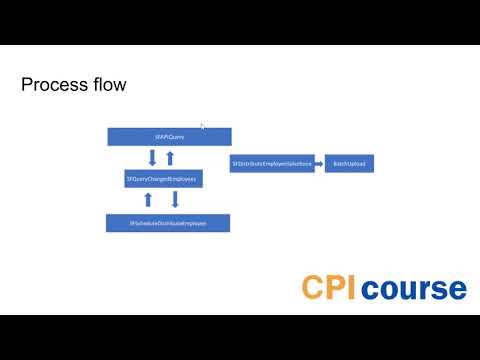
Querying SuccessFactors from SAP Cloud Integration
See how to query SuccessFactors from SAP Cloud Integration to get a list of changed employees and events, such as people being hired, starting and being terminated.
 25 min
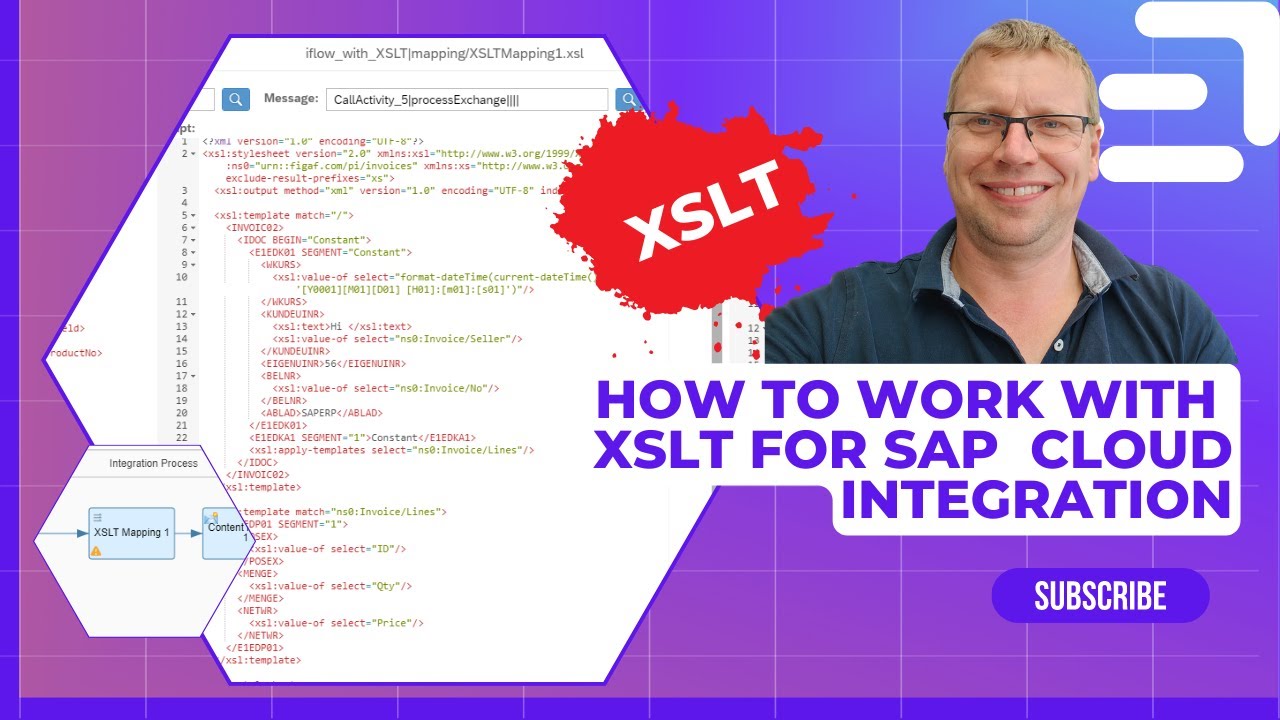
Working with XSLT in SAP Cloud Integration
Work smarter with XSLT in SAP Cloud Integration. The setup makes it simple to get started, using Figaf for development, although you can use other tools too.
 62 min
Figaf DevOps training to get started with Cloud Integration
See how the Figaf tool handles your transport and testing needs for SAP Cloud Integration, SAP Integration Suite and CPI.
 9 min
How to learn SAP Integration Suite in 2024
There is going to be a large need for SAP integration consultants on projects that include S/4HANA, and on migrations from PI to Integration Suite. You can learn SAP Integration Suite by yourself, and this video lists some of the best resources.
Work smarter with SAP Integration Suite
Want to improve how you work with SAP Cloud Integration?
The best way is to add the Figaf tool. It simplifies much of the day-to-day content you deal with in SAP integration projects, so you spend less time on routine work and more on building good integrations. The course is made by Figaf, who build tools for SAP Integration Suite teams.